Get started
Turn your heating and cooling on and off, and change temperatures and schedules, from anywhere — with no Airzone cloud subscription. You need a small €15 box plugged in at home and about ten minutes.
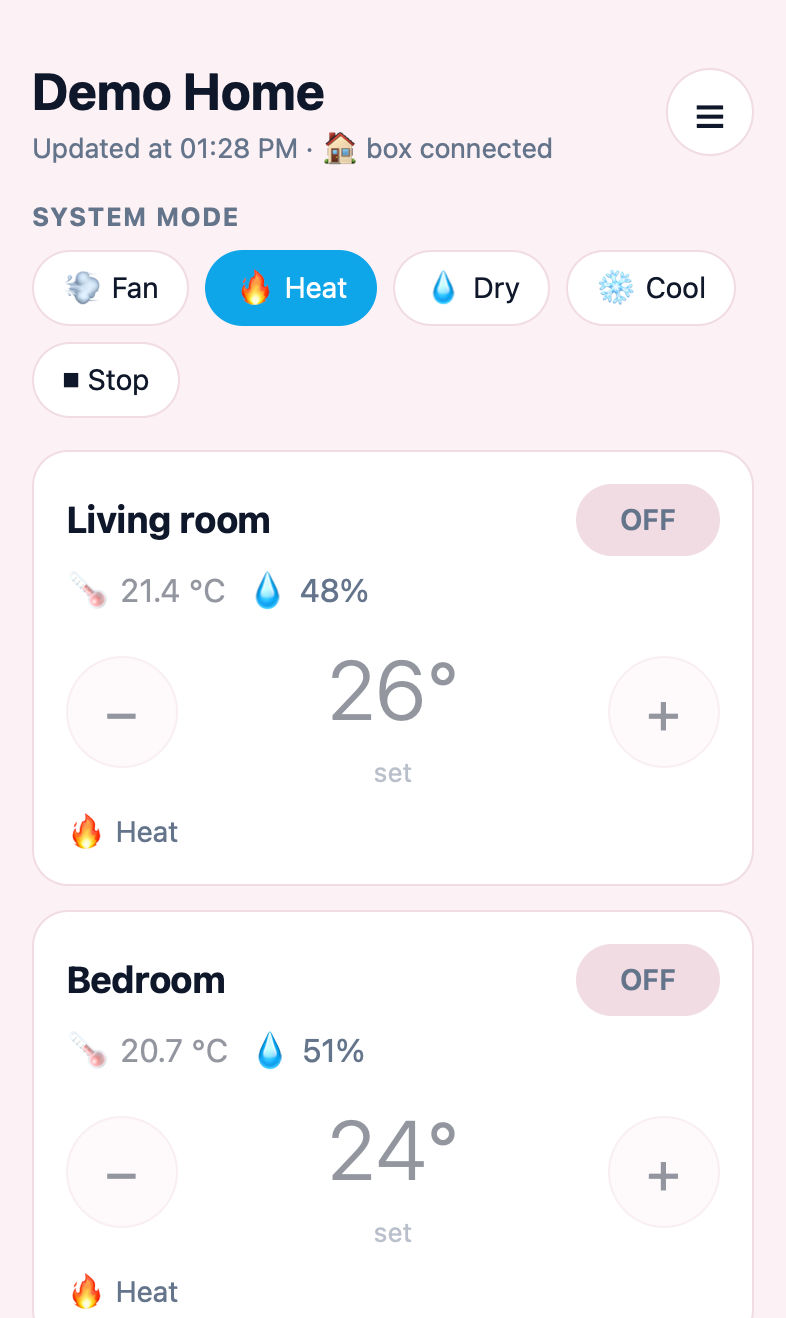
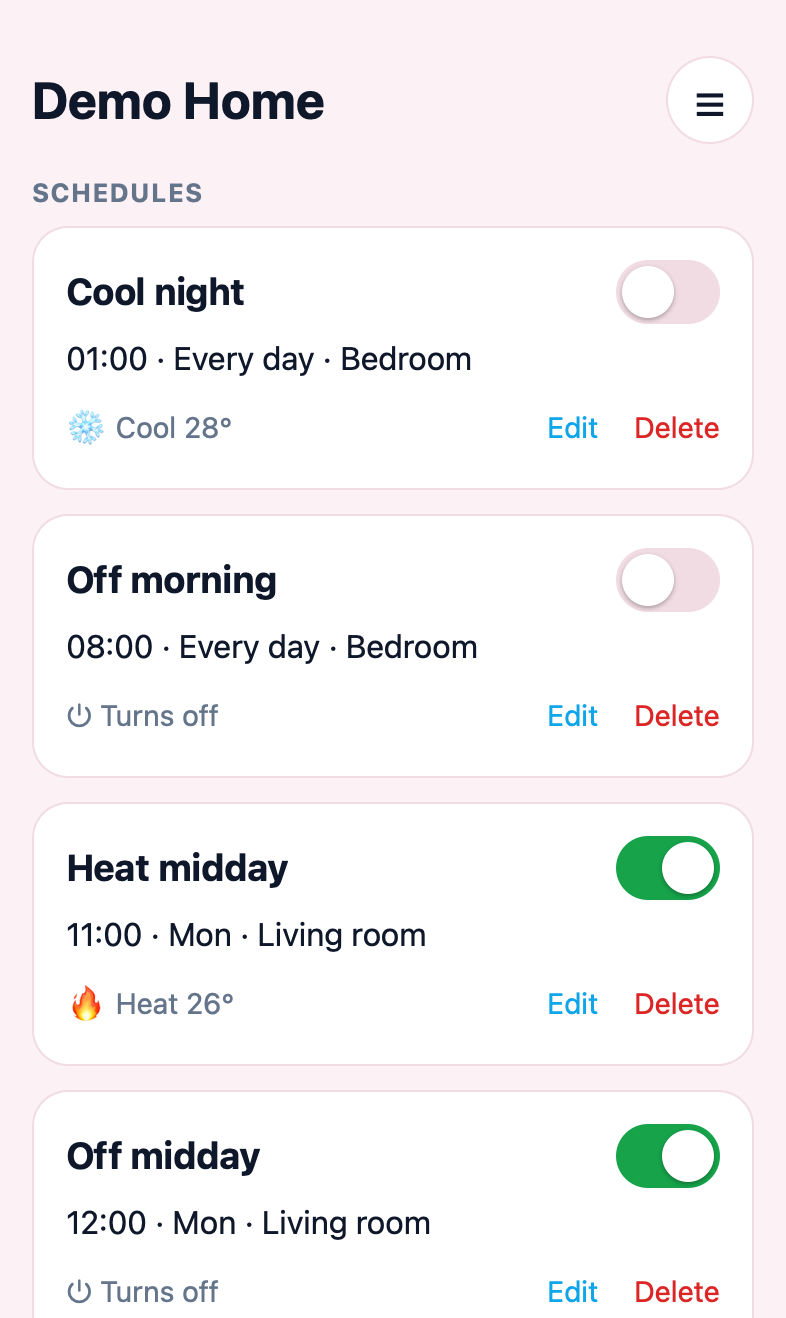
-
Buy the box
An M5Stack Atom Lite, about €15: buy it on Amazon.
You also need a USB-C cable and a USB phone charger. Most homes already have them.
-
Put Warmhole on it
On a computer with Chrome or Edge, open the install page, plug in the box and press Install. It takes a minute and you only do it once.
-
Plug it in at home
Use any USB charger, somewhere your home Wi-Fi reaches. The box stays plugged in from now on.
-
Set it up from your phone
Join the Wi-Fi called Warmhole-Setup. A page opens: enter your home Wi-Fi, your Airzone email and password (the ones of the official app), and choose a password for Warmhole.
Choose a Warmhole password that is different from your Airzone password (and from your email password). It is the only one that travels over the internet: you type it every time you sign in to this site. Your Airzone password never leaves the box.
-
Sign in
Come back to this site, sign in with your Airzone email and your Warmhole password, and add it to your phone's Home Screen. Done.
Good to know
- It's free. No subscription, no fees. You can support the project if you like, but you don't have to.
- Your Airzone password stays in the box, in your home. This site never keeps it.
- Your system must already work with the official Airzone app. To change schedules, your Airzone account must be an administrator of the system.
- If the box is unplugged, Warmhole can't reach your system. The official app keeps working as usual.
- It's a free beta made by an independent person, not by Airzone. It may have bugs, and it may stop working if Airzone changes its service.
Questions? Write to frakle94+warmhole@hotmail.it.